
One Button, One Touch Video calls
Residents simply press one button to connect with pre-scheduled family video calls on a large, easy-to-see screen.
How to use KinNect:
- Families create an account with their facility.
- Schedule a call using the KinNect Scheduler.
- Your resident will be notified of the meeting by facility staff.
- Join and enjoy the call with your resident from any device!
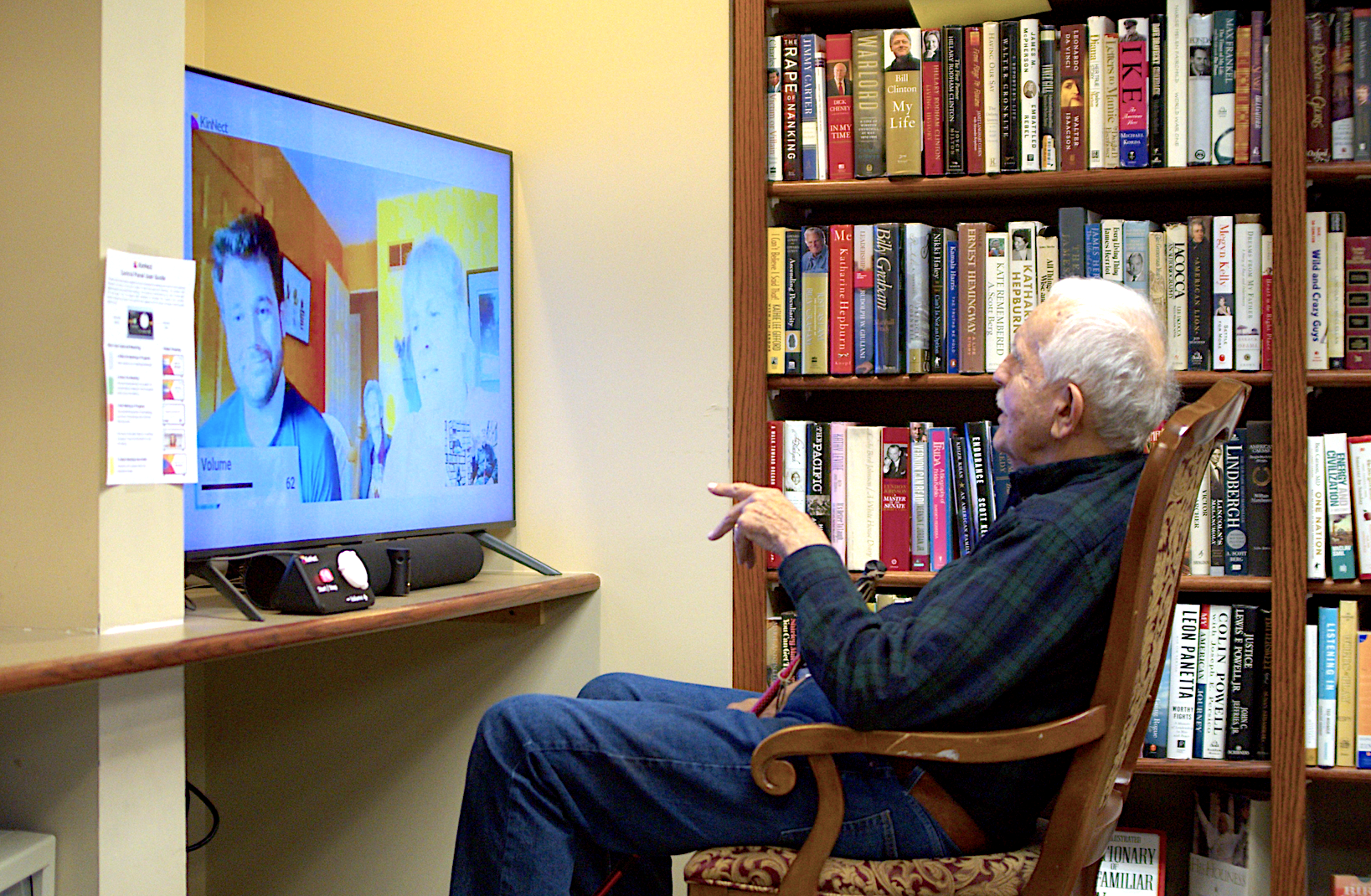
“My Dad and I have thoroughly enjoyed using KinNect. I have been able to share pictures and other mementos to aid our conversations. We have been able to connect over the memories we share and that has been special to us.”
- Jenny. C
Weekly Connection that Sticks
KinNect’s easy scheduling allows for you to have consistent video calls to strengthen your family relationships. KinNect’s system keeps families coming back - weekly calls, holidays together, and check-ins that become a ritual.
Reasons Why Families Choose KinNect

Connection with Ease
KinNect is designed to be simple from start to finish. With our one-button, one-touch system, your loved one can instantly join a video call. It’s just as easy for families - no apps, no passwords, no frustration - so staying connected never feels complicated.

Bridge the Distance
Whether you’re across town or across the world, KinNect brings families together regardless of timezones. KinNect makes it possible to spend time and share moments with loved ones you might otherwise miss.

More meaningful than phone calls
KinNect offers face-to-face connection for when you cannot be there in person. Our users experience special moments which can often only be shared visually - your child’s latest artwork, reminiscing with family photos, or sharing your dog’s newest puppies.